Multiple Pages and Larger Drawing Area
Sometimes a single page isn't enough. There are two ways to expand your drawing area:
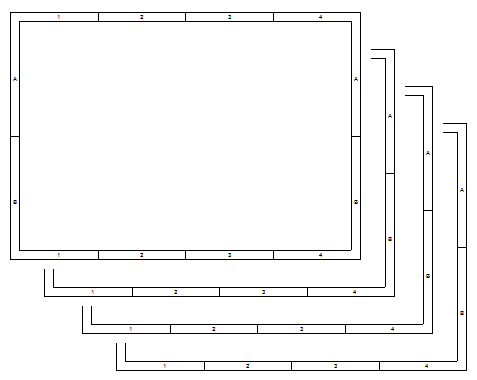
a) Add pages
Use the Pages panel. Your drawing will consist of multiple separate pages, each with its own title block, framing, and reference grid.
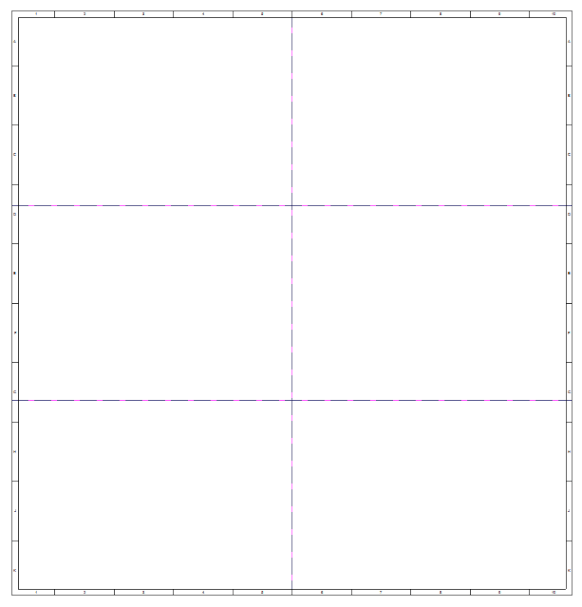
b) Enlarge the page across multiple sheets
Specify how many sheets of paper you need across and down. This gives you one large continuous drawing area.
💡 Pro tip: Option a) is better for logically dividing a drawing (e.g. power vs. low-voltage circuits). Option b) is handy when you simply need more room for one large schematic.
