Search Symbols Panel
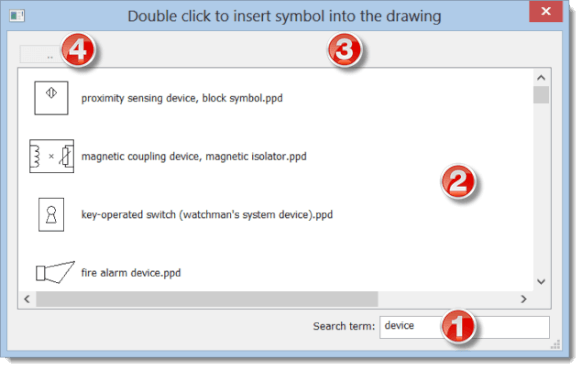
Press the space bar to open the search dialog. Type your search term in the text box
Double-click a symbol to insert it into the drawing. Double-click a folder (yellow rectangle) to browse its contents — the folder name will appear at the top of the window
Right-click any item to open a context menu with two options:
- View the folder containing the symbol
- Add the symbol to the Favorites panel
💡 Pro tip: The spacebar is the fastest way to a symbol – you don't have to click through the whole library. Just type a few letters of the name.
