Documents Panel
The Documents panel lets you preview your drawings without opening them — great for quickly finding the right file.
The panel displays documents from a directory specified in the F12 - paths tab. Documents placed directly in that directory won't appear — you need to organize them into subdirectories (subgroups).
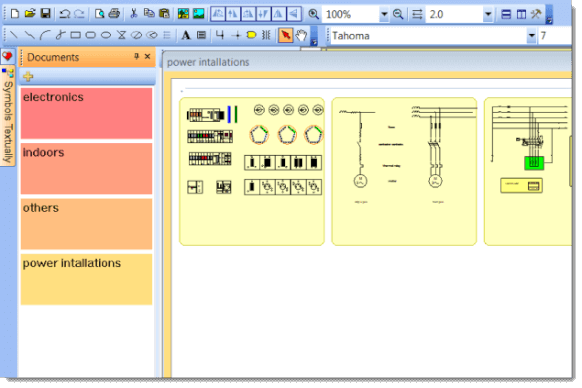
For example, if your document path is "D:\drawings\", create subdirectories like "D:\drawings\Project1\", "D:\drawings\Project2\", and place your drawings into them.
Click any thumbnail to open that document.
Drawing Templates
You can use any document as a template. Right-click a document and select create a similar document to create a new drawing based on it.
