Batch Printing of Drawings
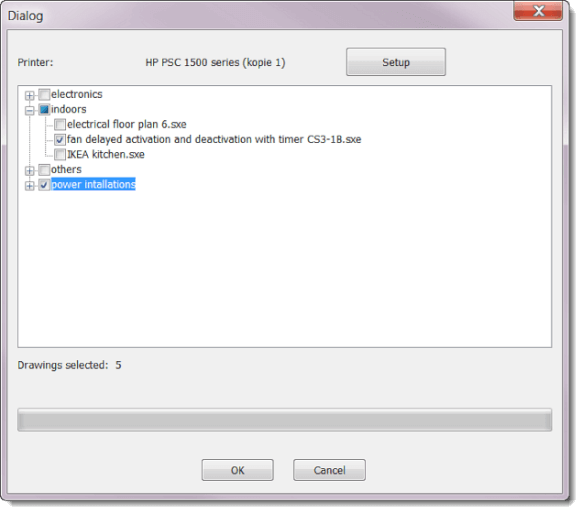
Need to print several drawings at once? Use the command Outputs - Batch print drawings. With the Options button you can choose a different printer.
💡 Handy trick: if you choose a PDF converter instead of a physical printer, you can use this function to export drawings to PDF in bulk.
💡 Pro tip: Before batch printing, make sure the paper size and page orientation are set correctly for all drawings. You will avoid unpleasant surprises at the printer.
