Symbol parameters
Parameters make symbols flexible by letting you change specific values without creating a new symbol. Here's an example to show how they work.
This symbol (pulse-code modulation) uses the fixed values 3 and 7. But what if you need different values? Here's the solution:
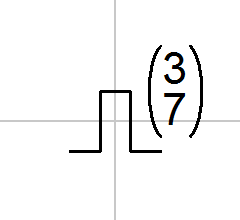
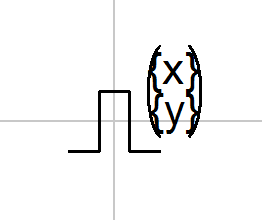
Open the symbol in the symbol editor. Replace the fixed values 3 and 7 with parameters - for example {x} and {y} in curly braces. This creates a parameterized symbol.
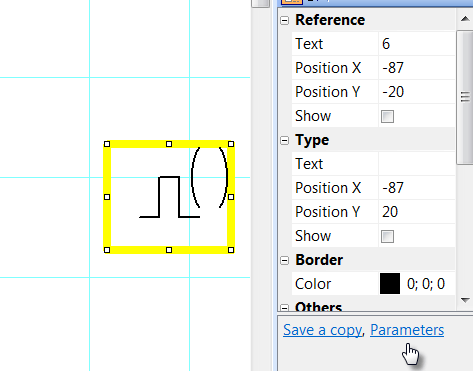
In the drawing, select the symbol and open the Properties panel (double-click the symbol). Click the Parameters link and enter the values for the x and y parameters.
💡 Pro tip: Give parameters descriptive names – rather {bit_count} or {frequency} than {x}. In the drawing you then see at once what each value means, and you avoid input errors.
